

Airveek field guide
Insulated Tumbler Product Photo Prompt: Tested Airveek Set
Use the supplied 40 oz handled travel tumbler as the identity anchor, copy the prompt below, and run one listing, one lifestyle, and one detail job. Keep the sage body, handle, lid, clear straw, rim, and lowercase morrow mark consistent; change only the scene and crop needed for each shopping question, then inspect every 1024x1024 result at thumbnail size before export.
Search task: insulated tumbler product photo prompt
Written by LIKA
The buyer question
What tested Airveek prompt can I use to create a consistent insulated tumbler product-photo set?
Your starting product
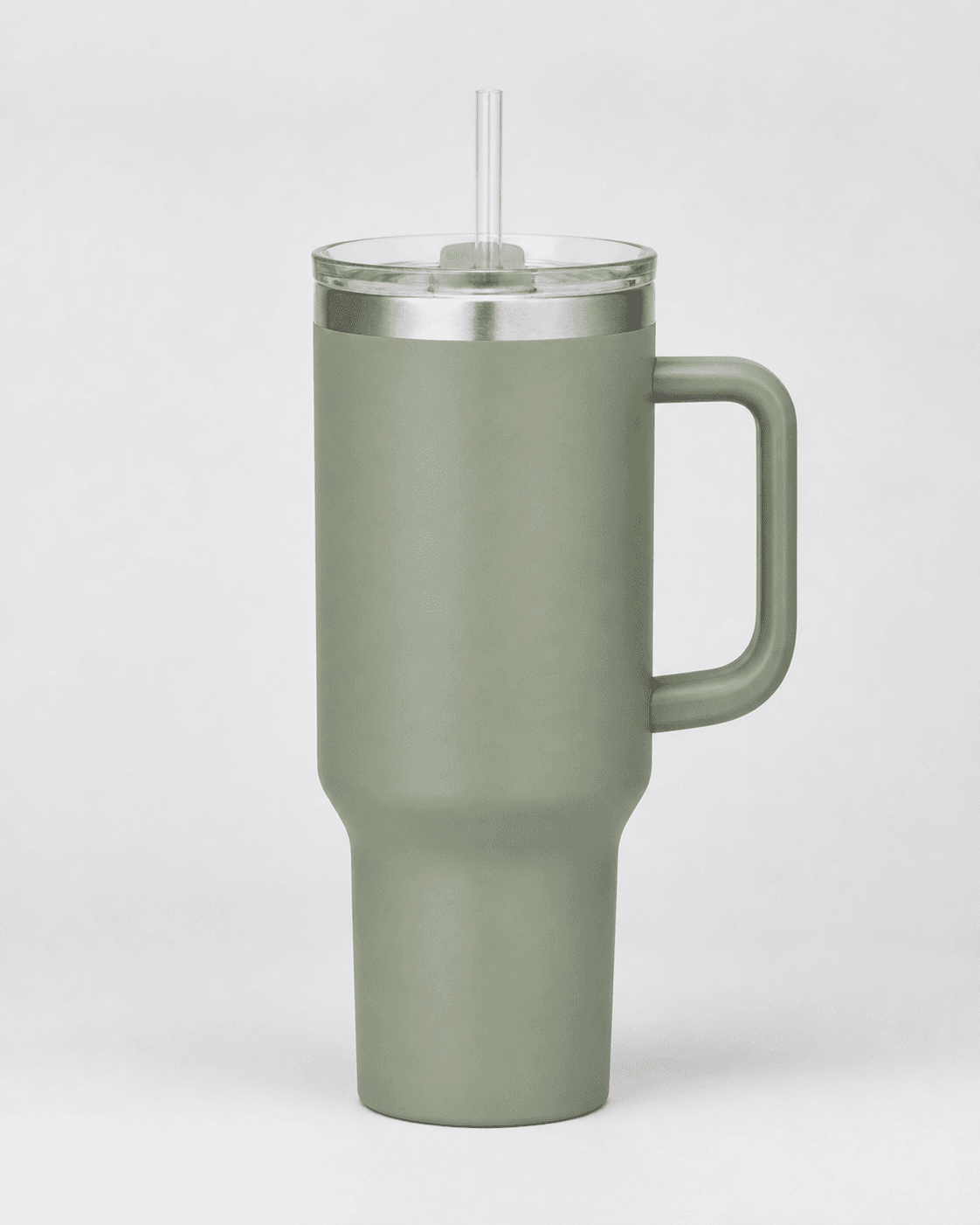
Start with a clear photo that shows the full product and the details shoppers need to see. Keep this reference nearby while you generate, compare, and refine each image.
Quick setup
- Goal
- ecommerce product-photo set
- Output
- 1024x1024
- Mode
- product-scene
- Output
- 1024x1024
- Detail goal
- store-listing
- Detail scene
- studio
- Listing goal
- store-listing
- Listing scene
- studio
- Lifestyle goal
- social-post
- Lifestyle scene
- lifestyle
Example Airveek result
How to create it
1. Attach the references
Upload the tumbler source and the supplied morrow logo reference as the second input. Keep the source nearby so the shape, handle, lid, clear straw, rim, and sage color stay fixed.
2. Choose one job at a time
In Product & Fashion, use product-scene. Set studio plus store-listing for the clean frame and detail frame; set lifestyle plus social-post for the everyday frame. Generate one variation for each job.
3. Paste the set prompt
Copy the full prompt and keep the identity constraints unchanged. Let the job setting control the context: neutral commercial light for listing and detail, and a believable home or desk setting for lifestyle.
4. Review the touch points
Compare every result with the source at full size and at a 240px thumbnail. Keep the frame only when the handle, lid, clear straw, rim, body color, and supplied wordmark remain readable.
5. Export by shopping job
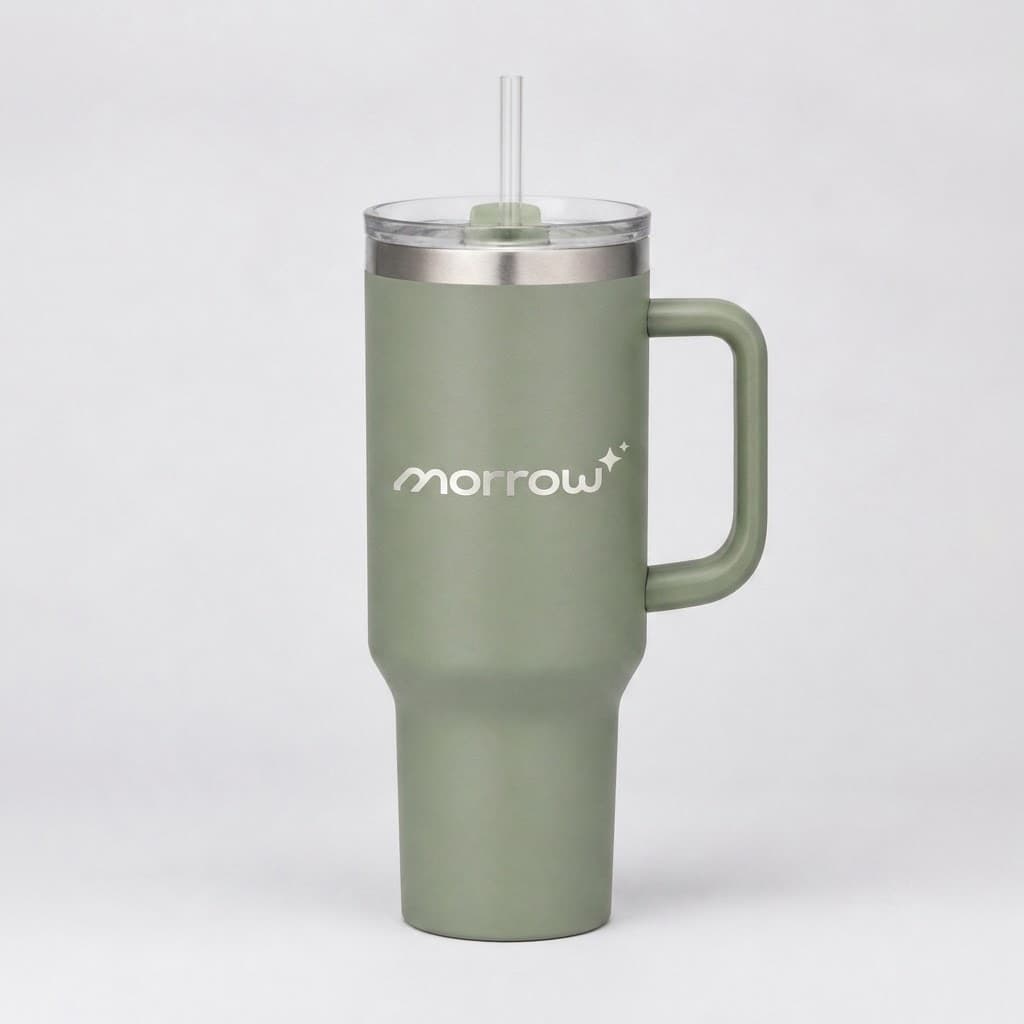
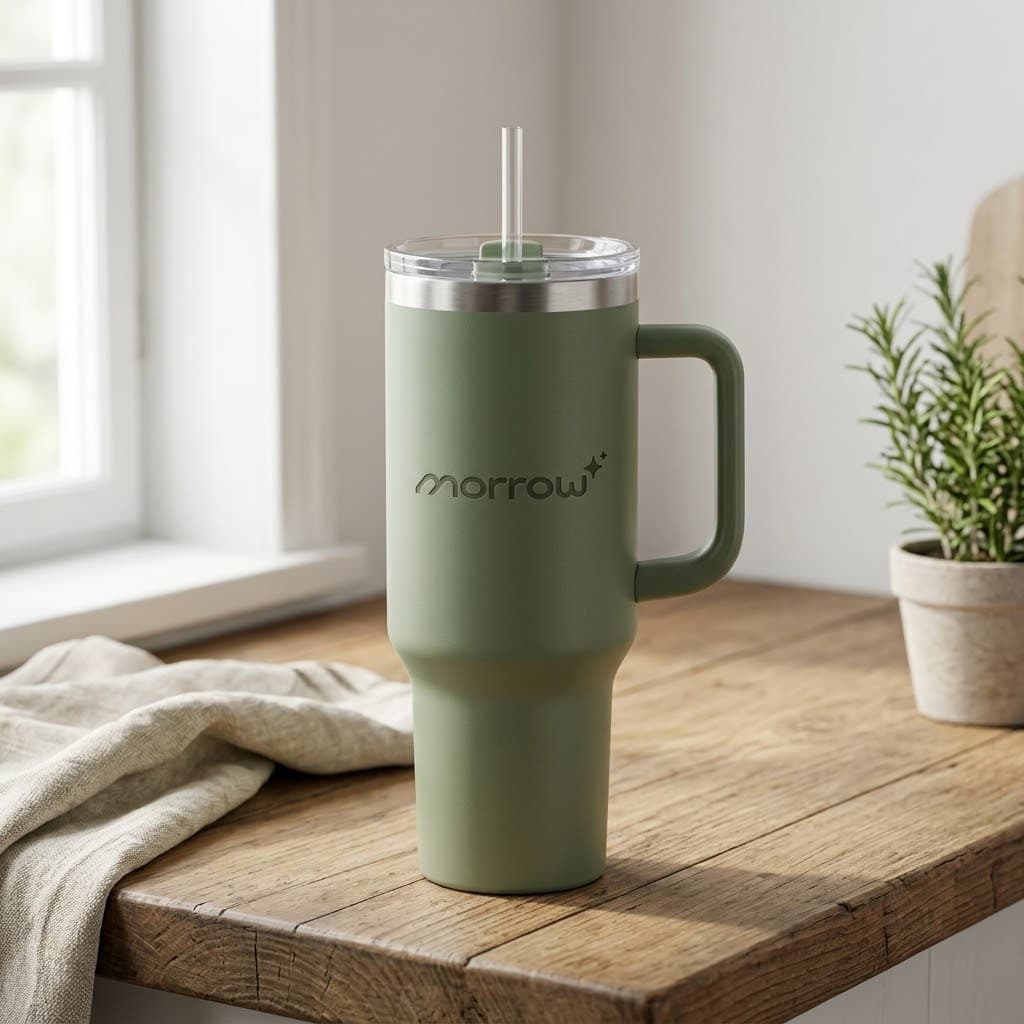
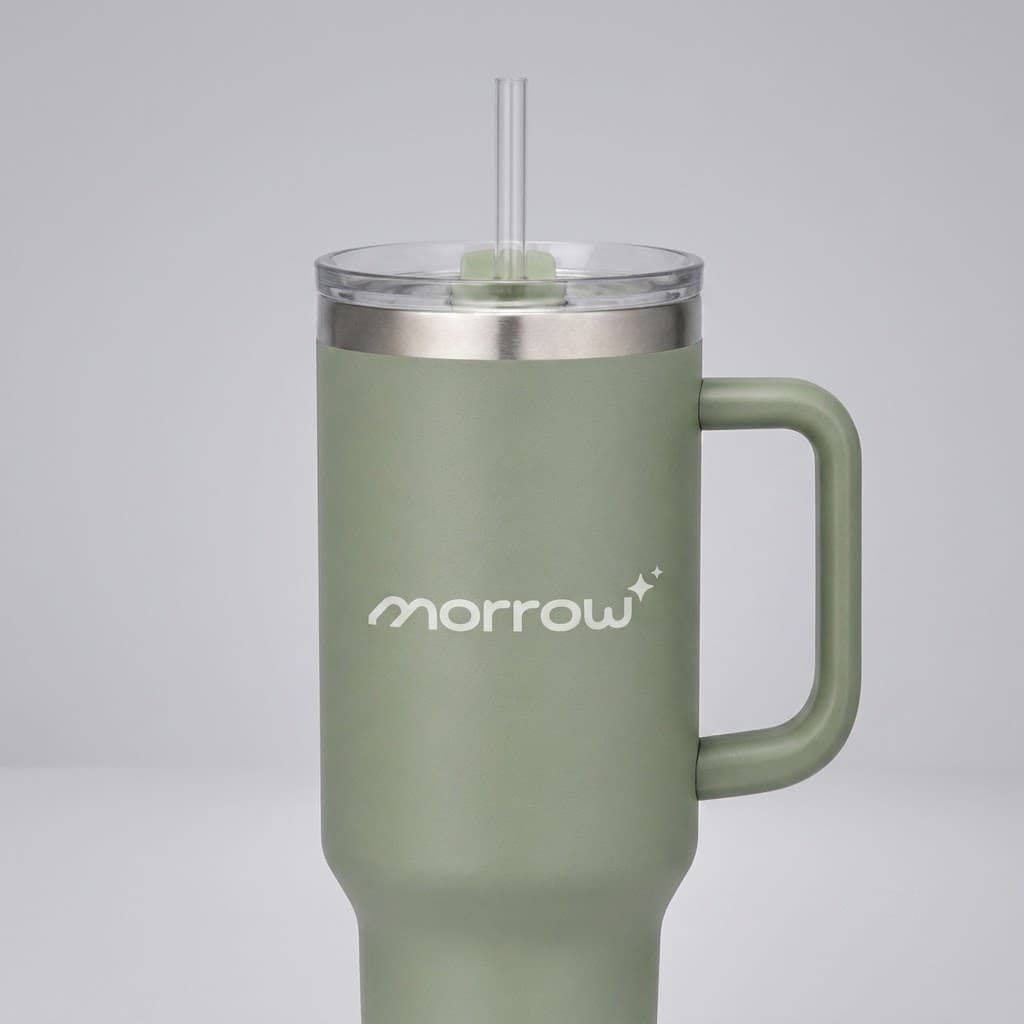
Use the clean frame for product identification, the lifestyle frame for everyday context and scale, and the close frame for handle and lid inspection. Keep the 1024x1024 export and check the destination's current image rules.
Workflow recording
Follow these captures to repeat the Airveek workflow for the same image task.
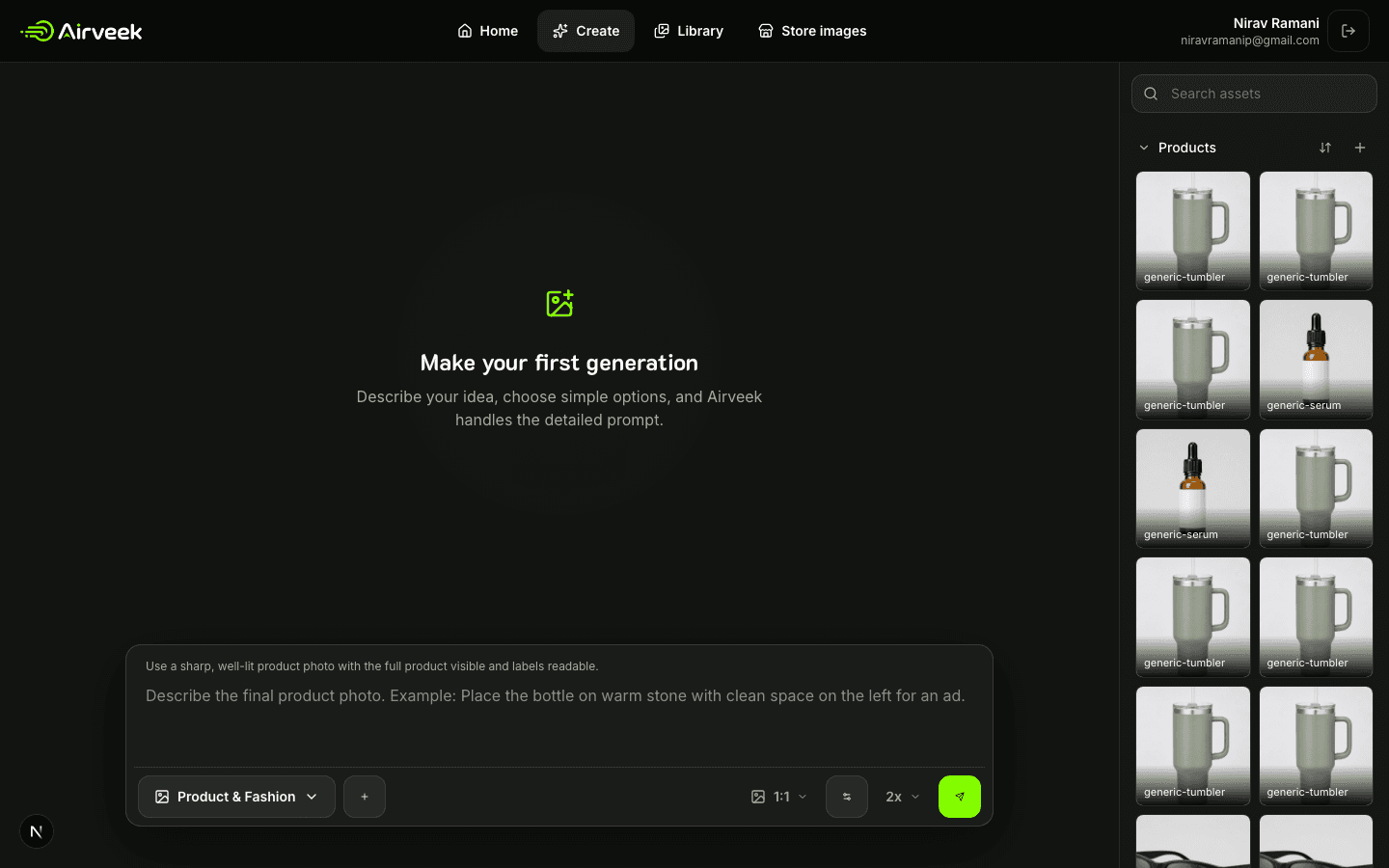
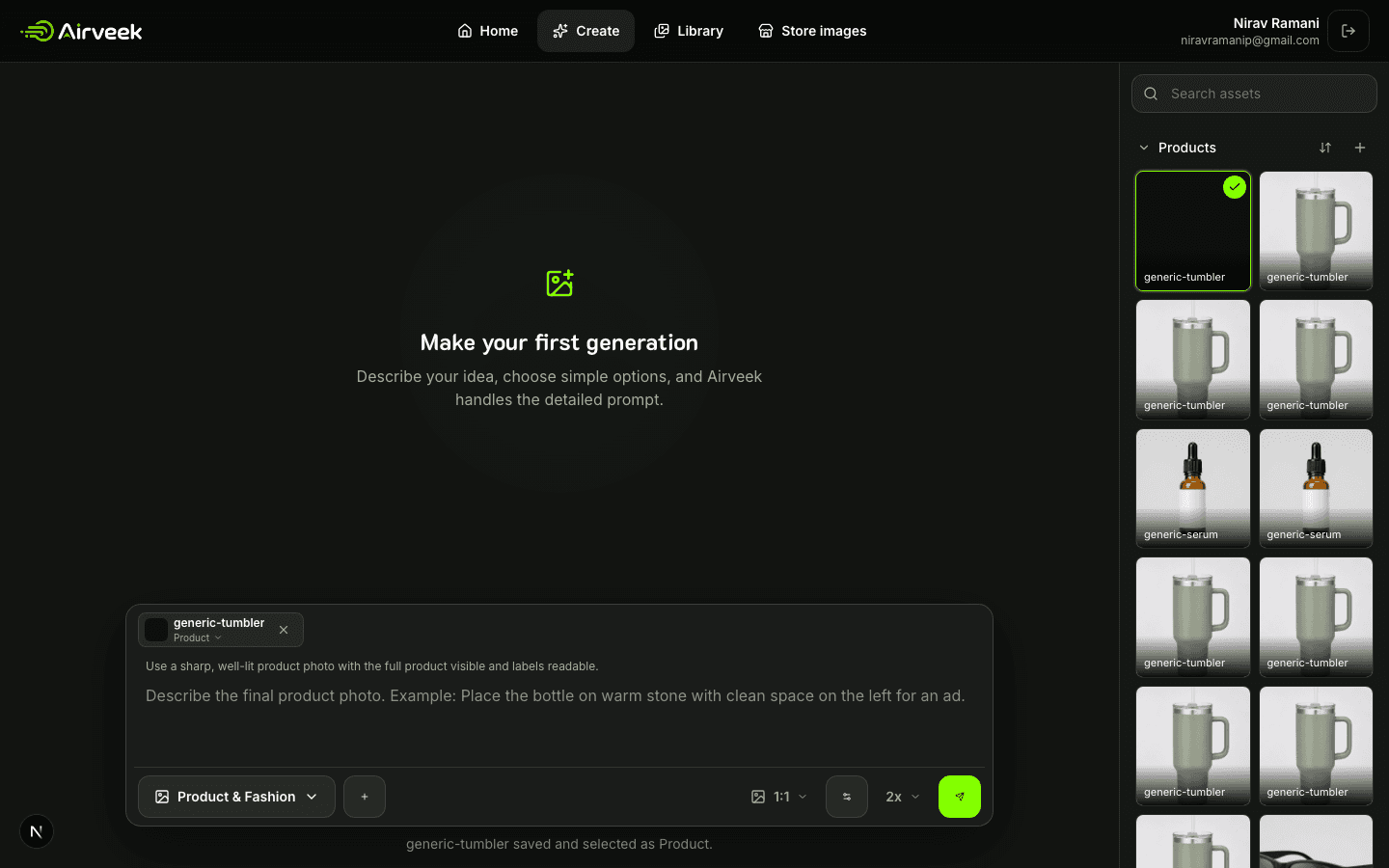
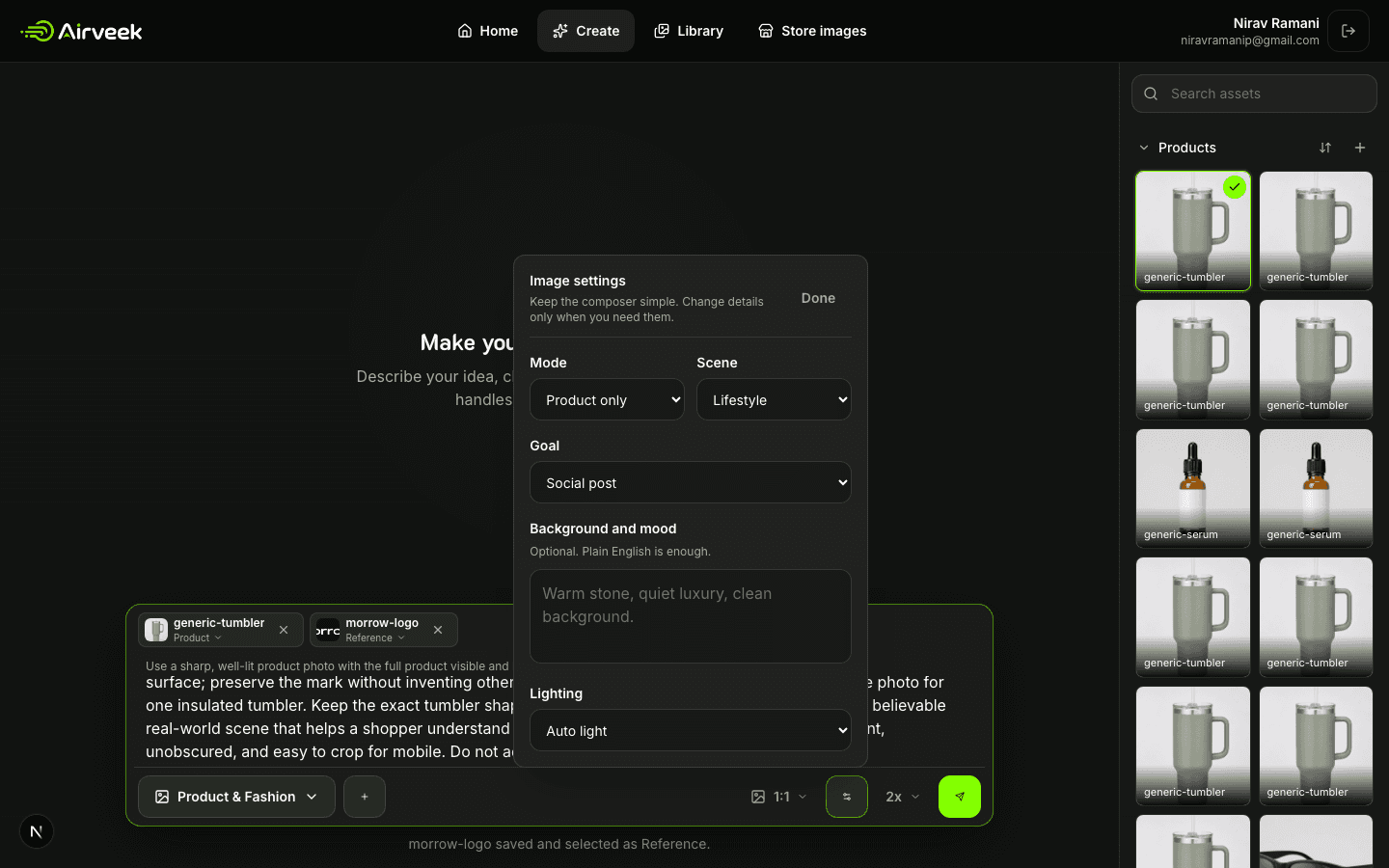
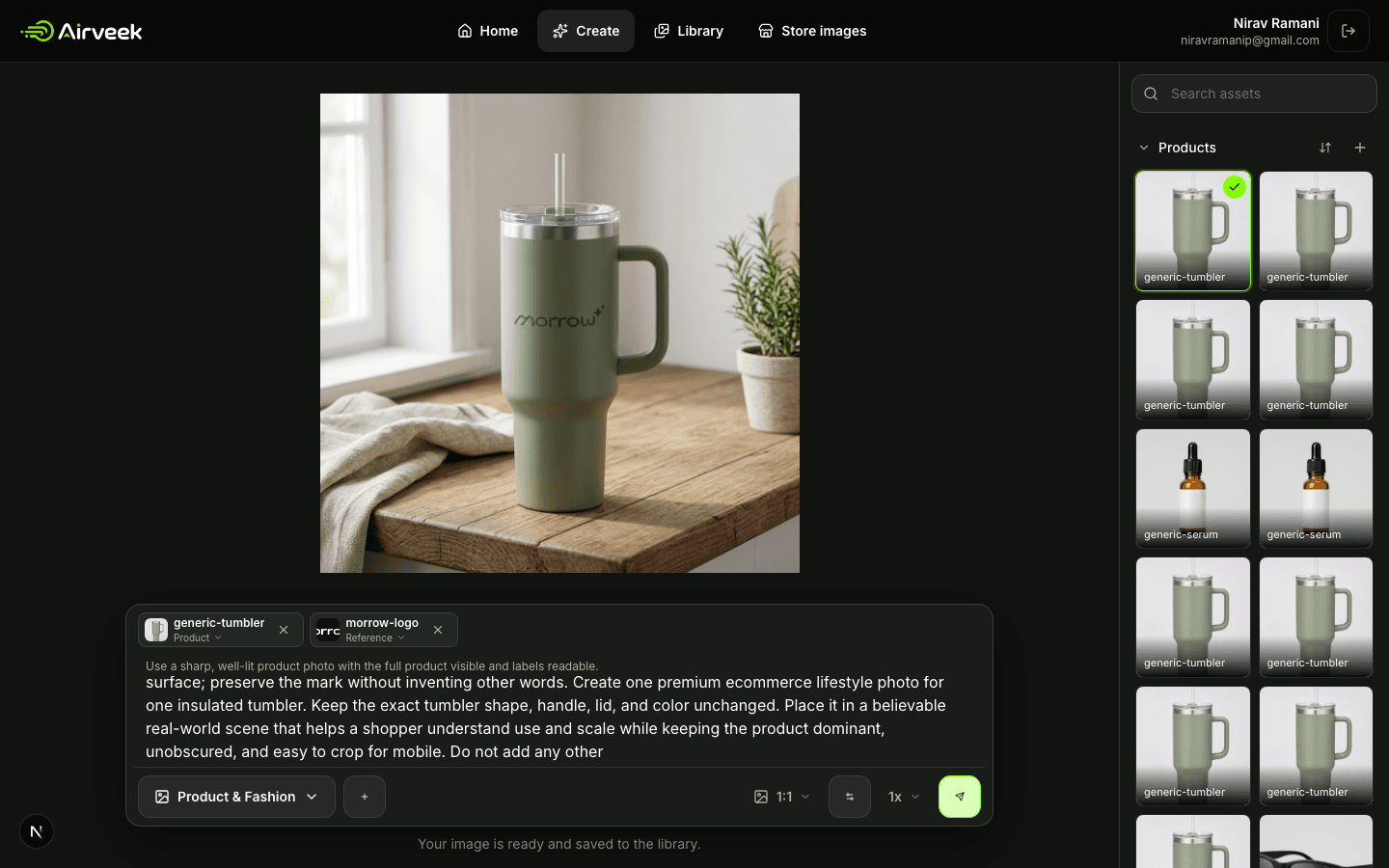
Tested prompt
Create a consistent 40 oz handled travel tumbler product-photo set from one supplied product source and the supplied morrow logo reference: one clean listing frame, one believable everyday lifestyle frame, and one close detail frame. Preserve the exact tumbler shape, handle, lid, clear straw, metal rim, sage color, and surface branding across every job. Use only the supplied lowercase morrow wordmark with its two sparkle stars as the brand mark. Do not add other readable text, dimensions, features, claims, extra products, watermarks, retailer logos, or promotional overlays.Recorded settings
- Mode
- product-scene
- Output
- 1024x1024
- Detail goal
- store-listing
- Detail scene
- studio
- Listing goal
- store-listing
- Listing scene
- studio
- Lifestyle goal
- social-post
- Lifestyle scene
- lifestyle
Common problems and fixes
Problem: The close detail can keep the handle and lid readable while changing the clear straw into a solid sage/green material.
Fix: Call out the clear straw and transparent lid as identity-critical, then reject any crop that changes them. Compare the corrected result at full size and 240px.
What to double-check
- The images can show the tumbler's visible shape, handle, lid, clear straw, rim, and context; they cannot establish insulation duration, leak resistance, materials certification, or any specification not supplied in the product brief.
- The 40 oz designation comes from the product brief; verify dimensions and included parts against the selling SKU before publishing.
- A consistent prompt improves repeatability but does not guarantee identical geometry or destination approval; review every output before reuse.
Why this works
Each image has one shopping job: the listing identifies the tumbler, the lifestyle frame makes the everyday setting tangible, and the close frame lets a shopper inspect the touch points. Holding the product identity constraints steady while changing only lighting, context, and crop creates a coherent set without adding decorative noise.
Before you export
- The same sage body, handle, clear straw, transparent lid, rim, and 40 oz product variant appear in every selected frame.
- The listing frame stays product-dominant with clean space for a platform crop.
- The lifestyle frame gives everyday context without hiding the tumbler or its handle.
- The detail frame keeps the handle, lid, clear straw, rim, and supplied wordmark readable.
- Inspect the 1024x1024 export at 240px thumbnail size and remove unsupported claims from surrounding copy.
Common questions
What makes an insulated tumbler photo set consistent?
Keep the source-visible identity fixed—the sage body, handle, lid, clear straw, rim, and morrow mark—while giving each image a different job. The clean frame identifies the product, the lifestyle frame supplies context and scale, and the close frame lets a shopper inspect the touch points.
Should the lifestyle tumbler photo use a busy kitchen or desk scene?
Use a restrained everyday setting with enough context to understand use and scale, but keep the tumbler dominant and unobscured. Keep identification in the clean studio frame; let the lifestyle frame add the wood table, window light, textile, and plant used in this example.
Can this prompt prove the tumbler's capacity or insulation performance?
No. The prompt preserves visible identity and creates useful composition, but it does not establish capacity, thermal duration, leak resistance, materials certification, or included parts. Verify those facts against the selling SKU before you publish.
Further reading
- Shopify product photography workflow — Shopify
- Marketplace/category reference — Amazon marketplace
- Platform image requirement — Google Merchant Center