

Airveek field guide
How to Create a Skincare Serum Product-Photo Shot List in Airveek
Turn one accurate amber dropper bottle into three purposeful frames: a clean listing shot to identify the product, a calm countertop scene to add context and scale, and a close detail to show the dropper and cap. In Airveek, keep the same source and logo reference, change only the image job, then review every result at full size and thumbnail size before export.
Search task: how to create a skincare serum product photo shot list
Written by LIKA
The buyer question
How do I turn one accurate skincare serum source image into a practical product-photo shot list?
Your starting product
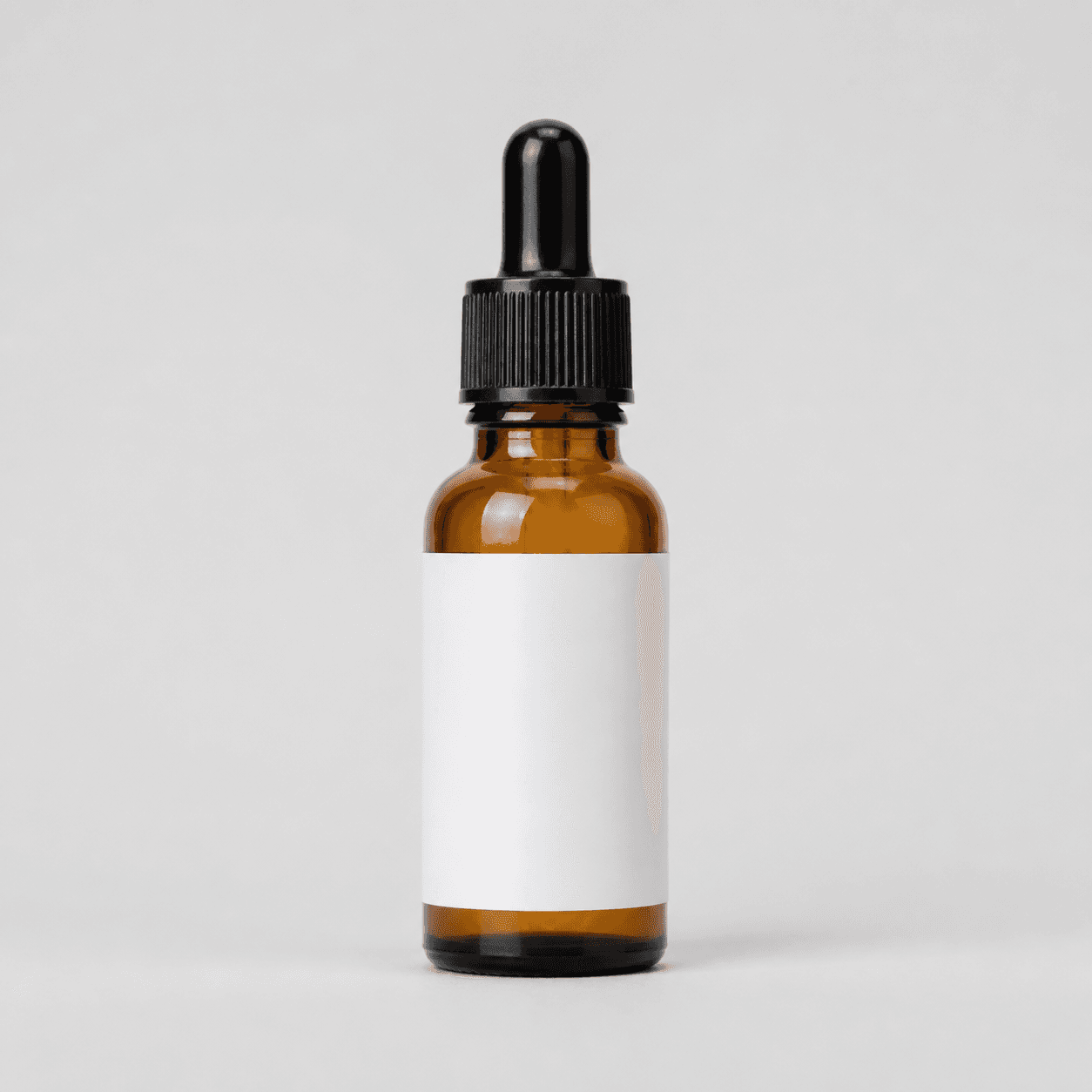
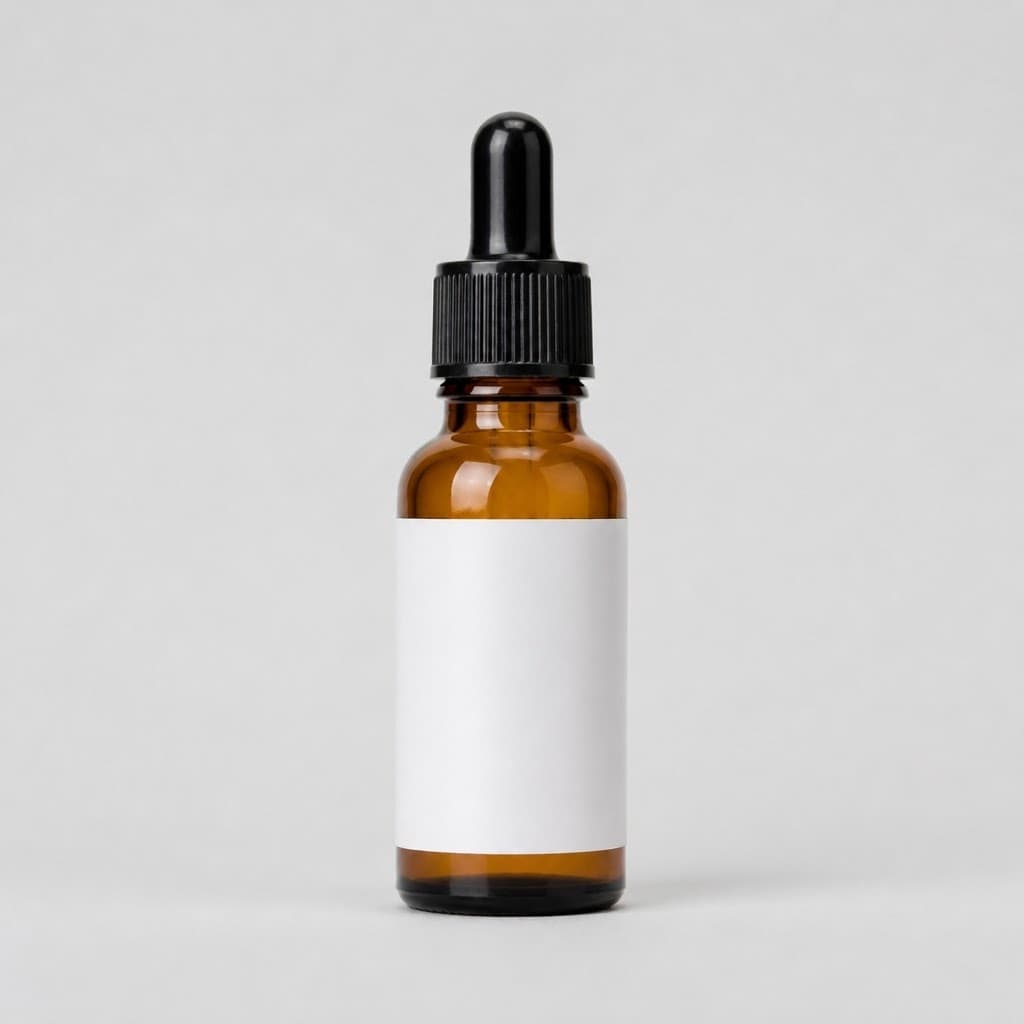
Start with a clear photo that shows the full product and the details shoppers need to see. Keep this reference nearby while you generate, compare, and refine each image.
Quick setup
- Goal
- Ecommerce product-photo shot list and social creative workflow
- Output
- 1024 × 1024 px working examples, 1:1 square crop
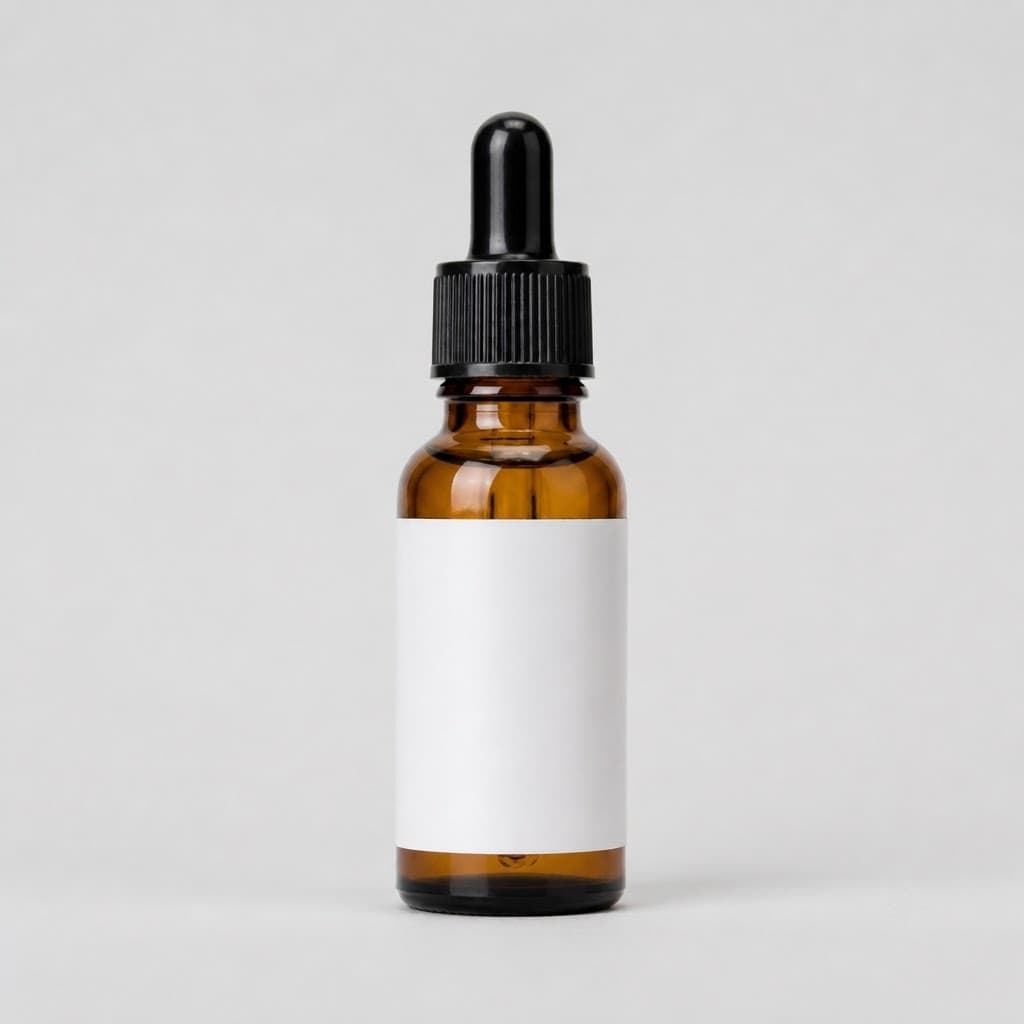
- detail
- Mode: product-scene · Scene: studio · Goal: store-listing
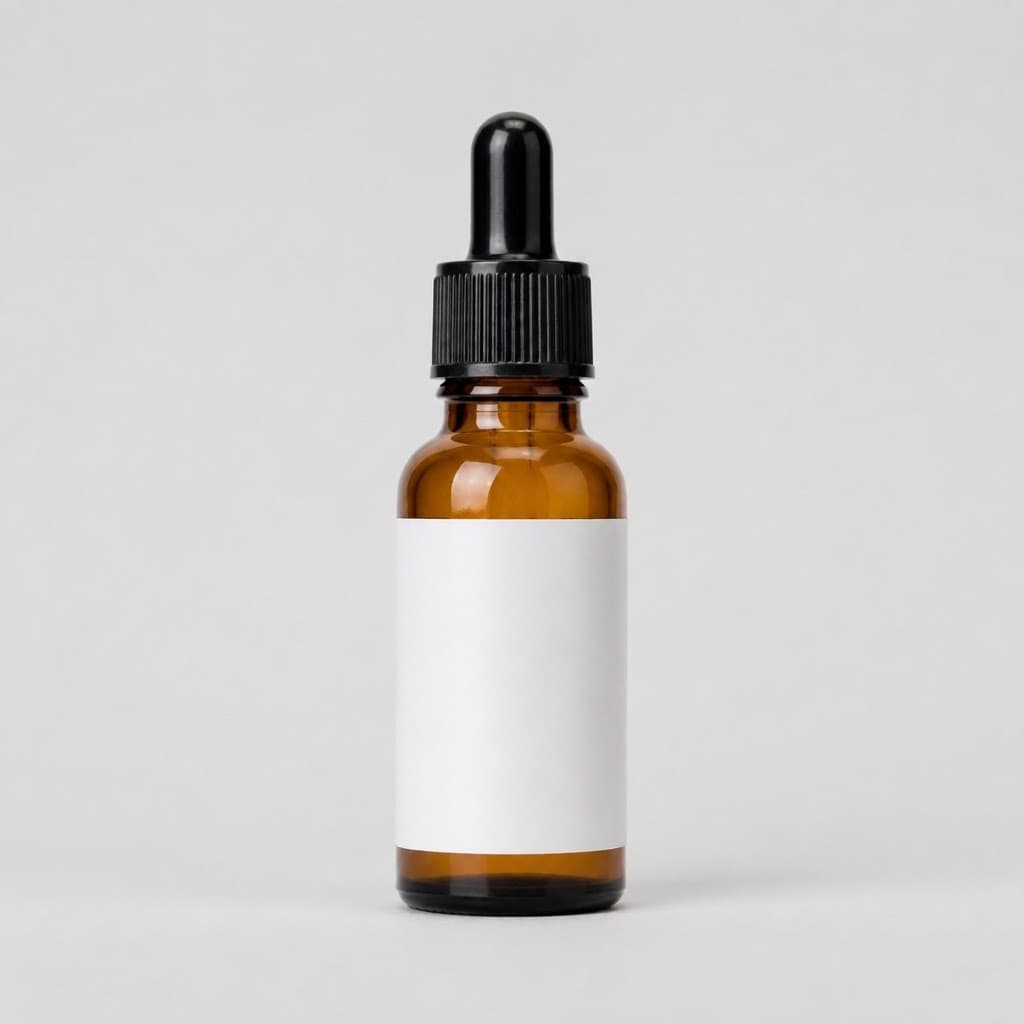
- listing
- Mode: product-scene · Scene: studio · Goal: store-listing
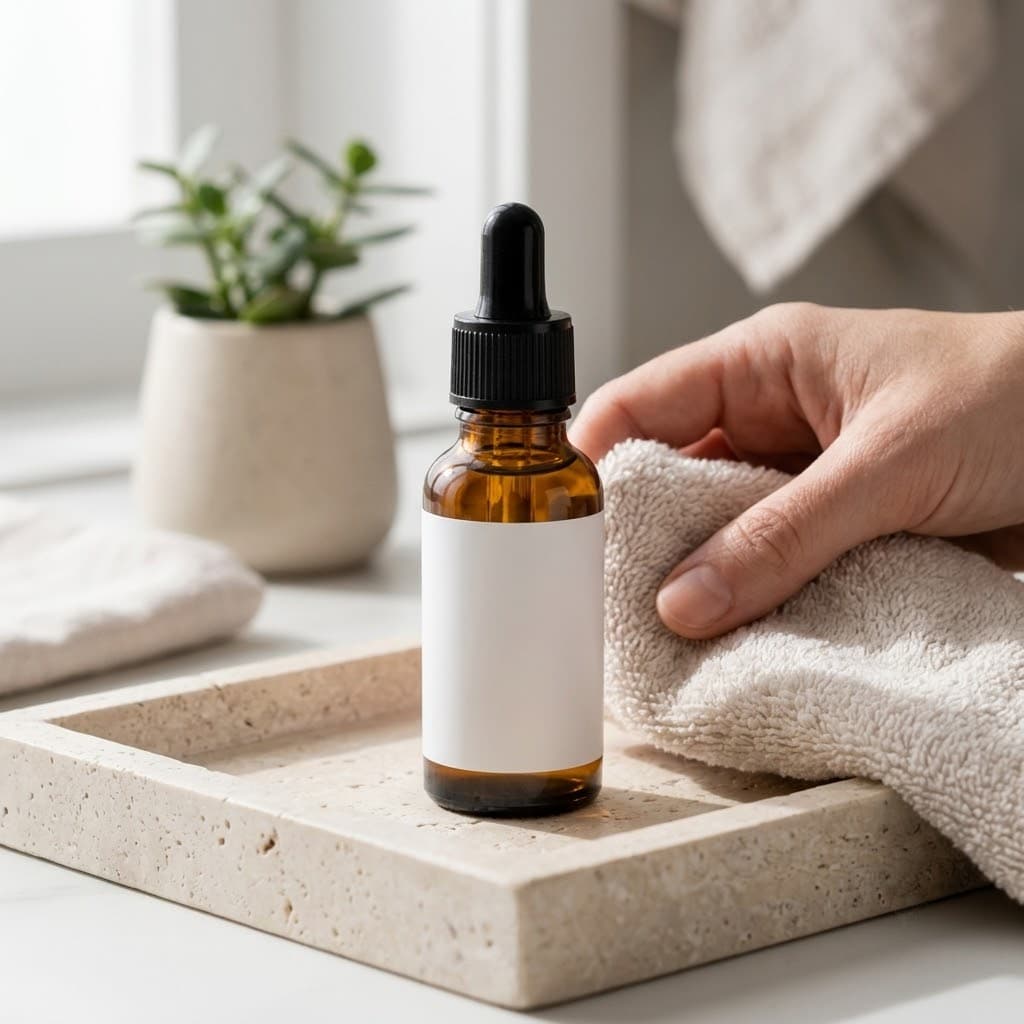
- lifestyle
- Mode: product-scene · Scene: lifestyle · Goal: social-post
Example Airveek result
How to create it
1. Write the buyer question for each frame
Start with three questions for this serum: Can a shopper identify the complete bottle? Can they understand the setting and rough visual scale? Can they inspect the dropper and cap? These become the listing, lifestyle, and detail jobs.
2. Upload the same product references
Use the generic amber dropper serum source for every job. For the supplied fictional demo treatment, add the supplied logo reference as the second input and keep the exact lowercase morrow wordmark with its two sparkle stars; do not invent other brand text.
3. Run the clean listing frame
Choose product-scene, studio, and store-listing. Keep the whole bottle upright and centered on a restrained background, with the dropper and rounded base visible and enough surrounding space for a square catalog or mobile crop.
4. Run the context frame
Choose product-scene, lifestyle, and social-post. Use a quiet countertop, soft daylight, and one supporting prop to suggest context without creating a second product story. Keep the bottle large, upright, and unobscured.
5. Run the detail frame
Choose product-scene, studio, and store-listing. Move closer until the dropper bulb, ribbed cap, amber shoulder, white label area, and base are easy to inspect, then use even light so glare does not wash out the label or glass.
6. Compare the set before export
Review each result against the source at full size and at a 240 × 240 thumbnail. Keep the bottle identity, mark, crop, scale, and visible details consistent. Reject altered geometry, hidden parts, invented text, unsupported claims, or a scene that overwhelms the product.
Tested prompt
Use the supplied generic amber dropper serum source as the product reference. Use the supplied fictional morrow logo reference as the second input. Apply the exact lowercase wordmark "morrow" with its two sparkle stars naturally to the product label, package, or product surface; preserve the mark without inventing other words. Keep the exact bottle shape, black dropper cap, amber glass, white label area, and rounded base unchanged.

LISTING BLOCK
Create one clean product-dominant listing photo for one skincare serum. Use a restrained neutral studio background, keep the complete bottle and dropper visible, and leave enough breathing room for a square crop. Do not add any other readable text, invented claims, extra products, watermarks, retailer logos, or promotional overlays.

LIFESTYLE BLOCK
Create one believable lifestyle photo for one skincare serum. Place the unchanged bottle on a quiet countertop with soft daylight and one restrained supporting prop, keeping the product dominant, unobscured, and easy to crop for mobile. Do not add any other readable text, invented claims, extra products, watermarks, retailer logos, or a competing hero product.

DETAIL BLOCK
Create one close-up product photo for one skincare serum. Show the dropper bulb, ribbed cap, amber glass shoulder, white label area, and rounded base with controlled, even commercial light. Keep the exact product geometry, color, materials, and supplied mark unchanged. Do not invent text, dimensions, features, claims, extra products, watermarks, or retailer logos.Recorded settings
- detail
- Mode: product-scene · Scene: studio · Goal: store-listing
- listing
- Mode: product-scene · Scene: studio · Goal: store-listing
- lifestyle
- Mode: product-scene · Scene: lifestyle · Goal: social-post
Common problems and fixes
Problem: Three images can still look like three copies of the same serum photo.
Fix: Assign the buyer question and destination to each frame before generating, then change the scene and crop purpose rather than only changing adjectives.
Problem: Strong backlight or glare can make a transparent amber bottle and label harder to read.
Fix: Use controlled, even light for the detail frame and inspect the label, cap, dropper, and amber shoulder at full size.
Problem: A polished countertop scene can become the hero on a small phone screen.
Fix: Reduce prop contrast, keep the bottle upright and large, and recheck the 240 × 240 crop before using the lifestyle frame.
What we rejected or corrected
What to double-check
- The examples use a generic amber dropper bottle to teach framing and shot-list decisions. They do not establish ingredients, volume, dimensions, skin results, or skincare efficacy.
- The 1024 × 1024 examples are working images. Confirm the destination's current minimum size, crop, metadata, and branding requirements before final export.
- A lifestyle scene can communicate context and visual scale, but it cannot verify a skincare claim or a specific routine.
- The supplied morrow treatment is a fictional demo example, not a customer product or trademark claim. The public examples on this page use the generic source; add the supplied logo reference when producing the branded variant.
Why this works
A shot list turns “make more serum photos” into three visible proofs: identity, context, and detail. Keeping one source and one brand reference stable while changing only the job makes the set easier to compare, crop, and correct. The result is a useful starting pack without claiming that an image proves hidden product facts.
Before you export
- Give every frame one job: identify the serum, add context and scale, or show the dropper and cap.
- Use the same source bottle in every job and keep its silhouette, cap, amber glass, white label area, and rounded base consistent.
- For the supplied branded demo, use only the exact lowercase morrow wordmark with its two sparkle stars.
- Keep the complete bottle visible in the listing frame and keep the product dominant in the lifestyle frame.
- Use controlled, even light for the detail frame so the label area and amber glass remain readable.
- Check the full image and a 240 × 240 thumbnail, then confirm the destination export settings before publishing.
Common questions
How many images should a skincare serum shot list include?
Use three purposeful starting frames: a clean listing image for product identification, a lifestyle image for context and visual scale, and a detail image for the dropper and cap. Add more only when a new shopper question needs its own proof; do not create cosmetic repeats.
Should the serum product photo use a white background or a lifestyle scene?
Give them different jobs. Use a clean, product-dominant frame where shoppers scan a collection or catalog, then use lifestyle imagery where context helps the product page or campaign. Treat placement as a merchandising test rather than a universal performance rule.
What should a close-up serum product photo show?
Show the visible construction a shopper can inspect: the dropper bulb, ribbed cap, amber glass shoulder, label area, and rounded base. Use even light and a readable crop. Keep ingredients, dimensions, volume, and efficacy out unless they come from verified product information.
Can one prompt create the entire serum photo set?
Use one shared identity direction, but run the listing, lifestyle, and detail blocks separately. The source and supplied morrow logo reference stay consistent; the scene, crop, and buyer question change by job.
Further reading
- Marketplace/category reference — Amazon marketplace reference
- Product image requirements for Merchant Center — Google Merchant Center
- The Complete Guide to Ecommerce Photography — Shopify
- Product pictures/videos and skincare buying decisions — Reddit community discussion
- Product photoshoot behind the scenes and transparent bottles — Reddit community discussion
- Lifestyle or white background for product images — Reddit community discussion