

01
Upload two references
Choose the exact product or garment and a model image you have permission to use.
Built for ecommerce fashion
Upload your product and a model reference. Airveek creates two polished store and campaign images while keeping each reference in its assigned role.
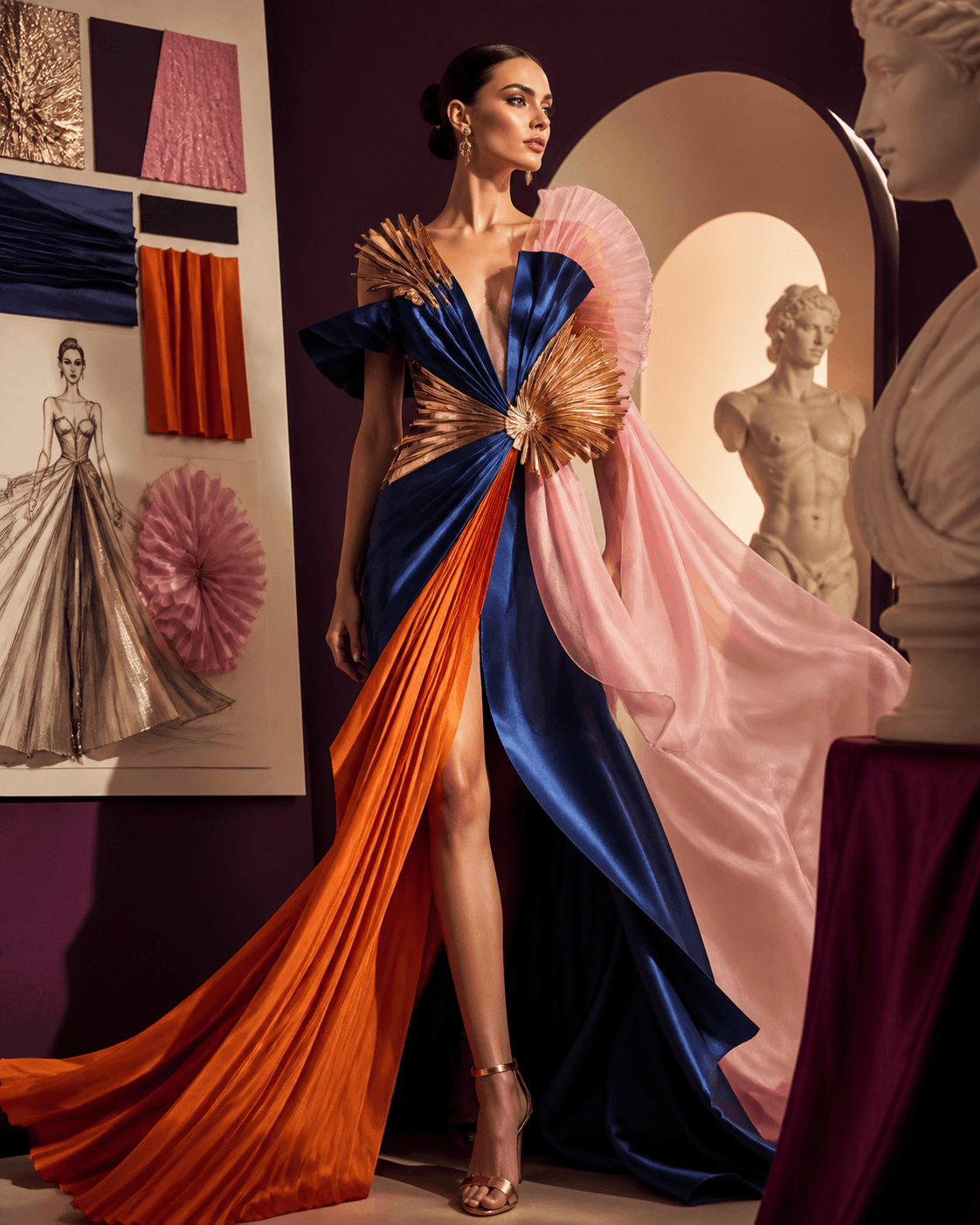
Airveek output
A complete ecommerce fashion scene
How it works
The guided playground opens with the right settings, so you can move from references to usable variations in one focused flow.
Choose the exact product or garment and a model image you have permission to use.
Pick studio, lifestyle, or outdoor styling, then choose lighting and output format.
Create two variations, review them side by side, and keep successful outputs in your private library.
Made for selling
Create formats for the ecommerce moments your team already needs—without changing tools.
Create a consistent visual direction for this channel from the same source references.
Create a consistent visual direction for this channel from the same source references.
Create a consistent visual direction for this channel from the same source references.
Create a consistent visual direction for this channel from the same source references.
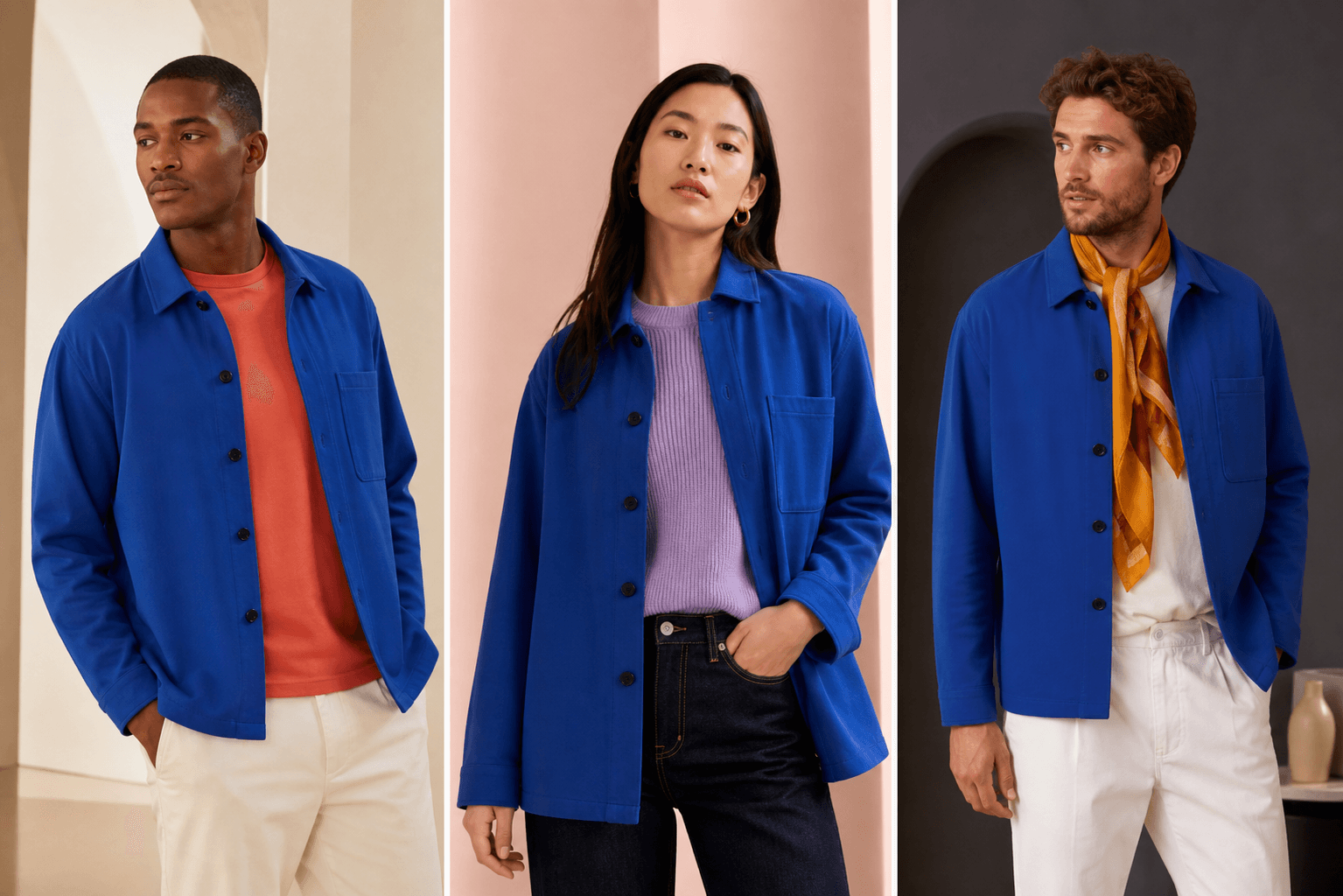
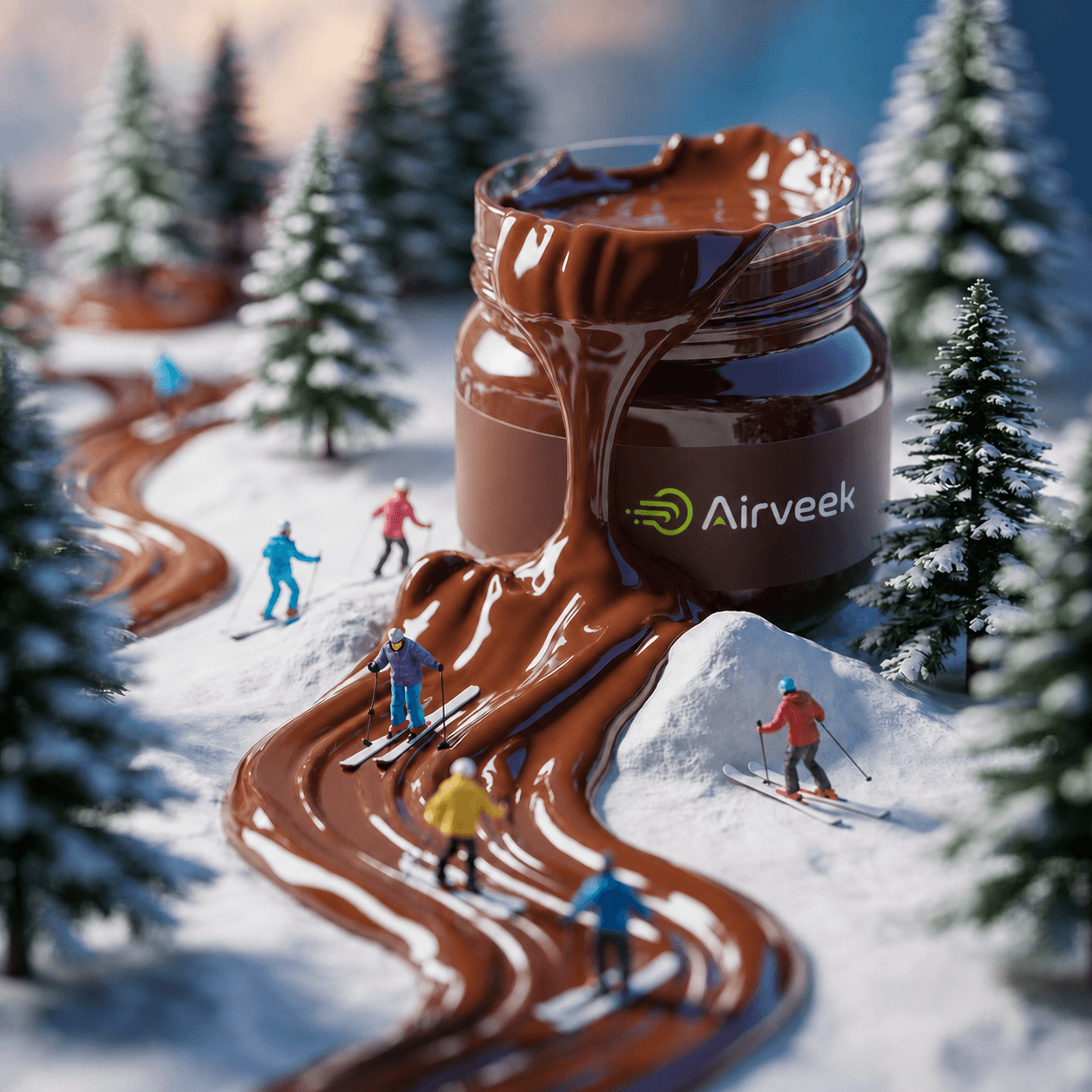
Real Airveek visuals
These are existing Airveek product visuals—not stock testimonials or invented customer work.
See the product
Play the 11-second product walkthrough, then open the guided Fashion Photoshoot workflow with your own references.
Your references stay yours
We do not send your image files, filenames, prompts, or facial details to advertising analytics.
References selected before authentication stay in this browser until you create or access your account.
Uploaded references and generated results are stored in your private account library until you delete them.
Only upload product and model references you own or have permission to use.
Commercial access
Your two free images let you test the workflow first. Upgrade only when you want to keep creating.
Commercial
$49 lifetime
one-time payment · ongoing access
Create 2 Images FreeNo credit card for your first two images
Questions
No. Create an account and generate two free outputs before choosing a paid plan.
Before sign-in they stay in your browser. After sign-in they are saved in your private Airveek library until you delete them.
Commercial-use downloads are included with paid Commercial access, subject to Airveek’s Terms and your rights to the source material.
The Fashion Photoshoot workflow assigns explicit product and model roles so the generation prompt preserves each reference for its intended purpose.
The first two outputs are free. The current paid offer is shown above and again at checkout.
Your references are ready when you are
Two outputs are included with every account. No credit card required.
Create 2 Images Free